Anthropic · Desktop app
Claude Desktop + Motion
The Claude app for macOS and Windows, where connectors are added from a settings dialog rather than a config file. Point it at Motion and one sentence becomes a finished animation, rendered in your own browser.
Setup
Connect Claude Desktop to Motion
One endpoint, no key and no account. This is the part that differs between clients — a different file in a different place, and half of them name the same field differently. Pairing, underneath, works the same way wherever you are, and there are two of those depending on whether you have Motion open.
MCPhttps://motion.frapea.com/mcp
- 1
Open Customize → Connectors
In Claude, open Customize, then Connectors, then “Add custom connector”. Nothing to install — recent versions speak to remote MCP servers directly. - 2
Paste the endpoint
Name it Motion and give it this URL. On a free plan you can add one custom connector; on Team and Enterprise an Owner has to add it for the organisation.https://motion.frapea.com/mcp
Then, the same for every client
Pair the session with Claude Desktop
Two ways in, and the only thing that decides between them is whether you have a Motion tab open right now. Neither needs a key or an account.
If Motion is already open
Carry the code to your agent
- 1Click Connect MCP, top right. The panel shows a line beginning
Connect me to Motion with code, with eight characters likeK7M4-P2Q9. - 2Paste that whole line into your agent — the sentence, not just the code. It is worded so the agent knows which tool to call and what to pass it.
- 3Good for ten minutes, and once. The code stops working the moment it is spent.
If it is not
Let the agent start without you
- 1Say start a Motion session for me. Worded so it does not collide with the line above — that one carries a code, and an agent given the same words without one will try it, fail, and have to back out.
- 2It can compose immediately — you do not need the tab to exist yet. Open the link when you want to watch, or when it asks you to.
- 3Anything that has to SEE the result, or touch your photos, waits for that tab. The agent knows to wait rather than to nag.
Then say what you want in one sentence. The frames appear in the tab while you keep working wherever you were.
When it doesn’t take
Two things go wrong, and it is almost always one of them
Neither of those? The endpoint answers a plain tools/list over POST. If that comes back, the server is fine and the problem is in the config — paste this page into Claude Desktop and let it work out which line.
What it gets you
Why this pairing, and not just any of them
Setup is a dialog rather than a file, which makes it the one to send somebody who has never edited a config in their life.- No terminal and no config file at any point — the whole setup is a dialog and a pasted URL.
- The conversation and the animation sit side by side: describe a change in the chat, watch the render update in the browser.
- Drag your photos and clips straight into the Motion tab. They never go through the chat, so nothing is uploaded to be looked at.
What you just handed it
19 tools, and one of them is looking at the result
Claude Desktop now has the whole set: it writes the composition as code rather than filling in a template, renders real frames and checks them, and never has to receive your footage to know what is in it.
All 19 tools Claude Desktop can callWhat comes back
One sentence to final animation
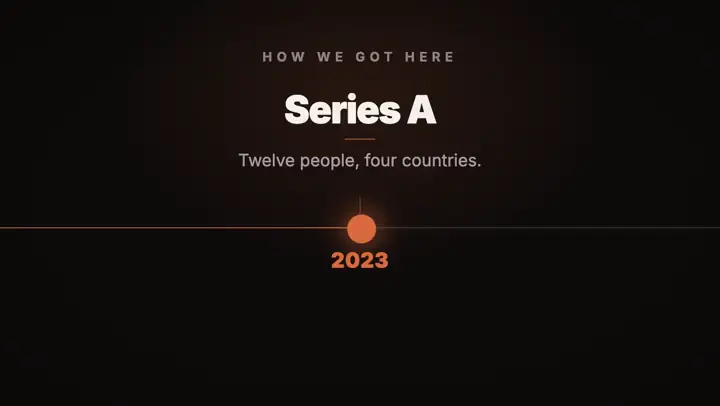
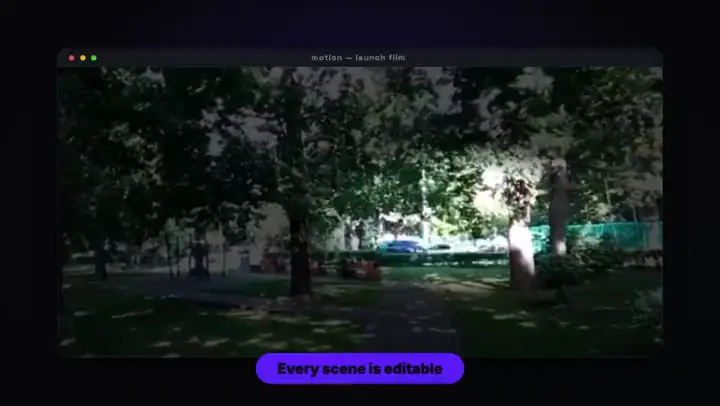
Each of these was a single line said to an agent, rendered by the same runtime Claude Desktop would be driving. They change as you read — point at one to play it.






Using something else?
Any client that speaks MCP
The endpoint never changes. Only the file it goes in does — and for the other 7, it is written out.
- Claude CodeTerminal agent
- CursorCode editor
- VS CodeCode editor
- WindsurfCode editor
- Codex CLITerminal agent
- Gemini CLITerminal agent
- WarpTerminal
- Something elseSame endpoint
One sentence to final animation.
Open Motion, click Connect MCP, and say one sentence to Claude Desktop.