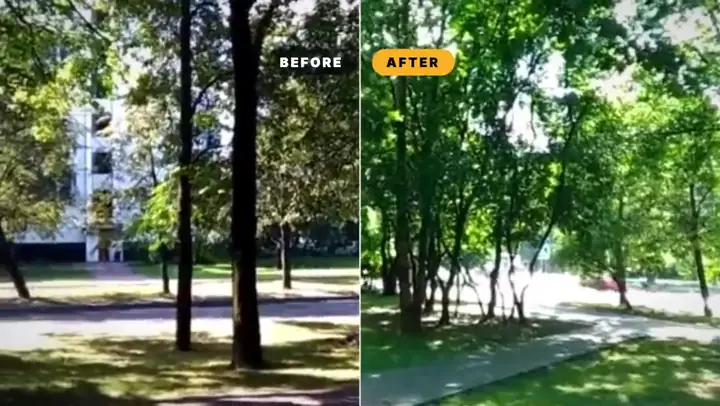
Screen demo
- Size
- 1920×1080
- Frame rate
- 30 fps
- Length
- 12s
The recording sits in a window, and the camera pushes into each thing being talked about.
Make your own screen recording video
Plays a screen recording and points at three things on it, which is the difference between a capture and a demo. Say a sentence like the one below and your agent writes you a different one — free, in your browser.
Say this to your agent
>Play this screen recording and point at three things.
Or ask for a different one
Not settings — each one builds something else.
>A screen demo that zooms into each thing it points at.
>Point at one thing only, but hold on it and explain it in a caption.
>A screen recording with a cursor highlight following the pointer.
What it worked out on its own
A full-bleed screen recording is a video; the same recording inside a chrome, on a ground, with a shadow, is a product. Two divs and a border radius change what the viewer thinks they are looking at.
One callout at a time, and the frame pushes into its region while everything else dims. Pointing at three things at once is pointing at nothing.
The zoom and the ring come from the same beat progress and the same coordinates, so the circle cannot drift off the thing the camera moved to.