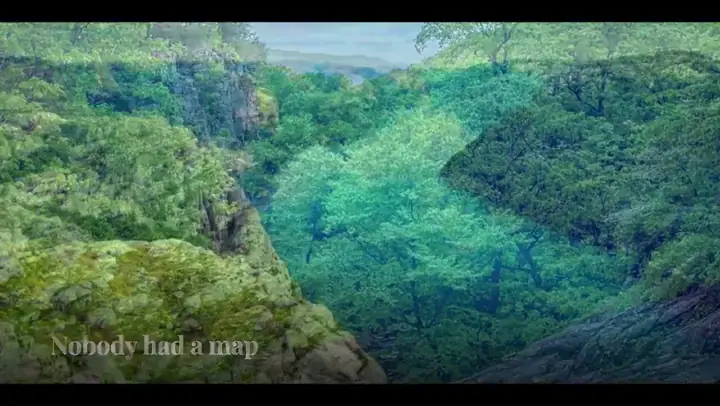
Two-photo snap
- Size
- 1920×1080
- Frame rate
- 30 fps
- Length
- 6s
A handle you can see crosses the frame and pauses in the middle, where the comparison is.
Make your own before and after photo animation
Wipes between two photos so the difference reads as one change rather than two pictures. Say a sentence like the one below and your agent writes you a different one — free, in your browser.
Say this to your agent
>Before-and-after wipe between these two photos.
Or ask for a different one
Not settings — each one builds something else.
>A before and after with a slider handle that moves across.
>The same wipe but vertical instead of horizontal.
>Three stages instead of two — before, during, after.
What it worked out on its own
A cross-fade asks the viewer to remember what was there a second ago. A hard edge with a handle on it does not — the seam is a thing in the frame and the eye follows it.
The handle pauses just short of half way for most of a second. A spring fast enough to cross the frame leaves four seconds of one photograph; a spring slow enough never dwells anywhere.
Each caption is inside its own half and clipped by the same edge, so it can never be read over the wrong photograph.